
Online Free AI Product Mockup Generator
Upload an ordinary product photo and get a studio-grade product mockup in seconds — realistic lighting, shadows and backgrounds, ready for your online store. Powered by advanced AI image-to-image models — no photographer, no Photoshop, 100% free.
Drag & drop your product photo here
or browse files — JPG, PNG, WEBP • max 10MB
No product photo? Try one of these:
Result
AI Product Mockup Generator
Your product mockup will appear here
Upload a product photo on the left, pick a scene, then click Generate Mockup.
Creating your product mockup…
This usually takes 10–60 seconds. Please keep this page open.
Oops, something went wrong
別錯過!這幾款免費AI工具超好用






























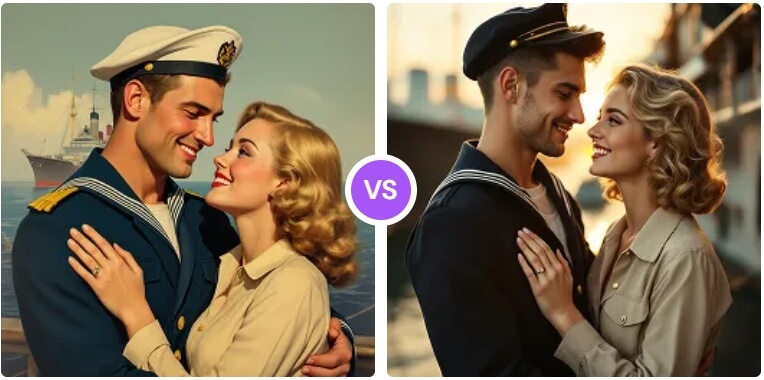
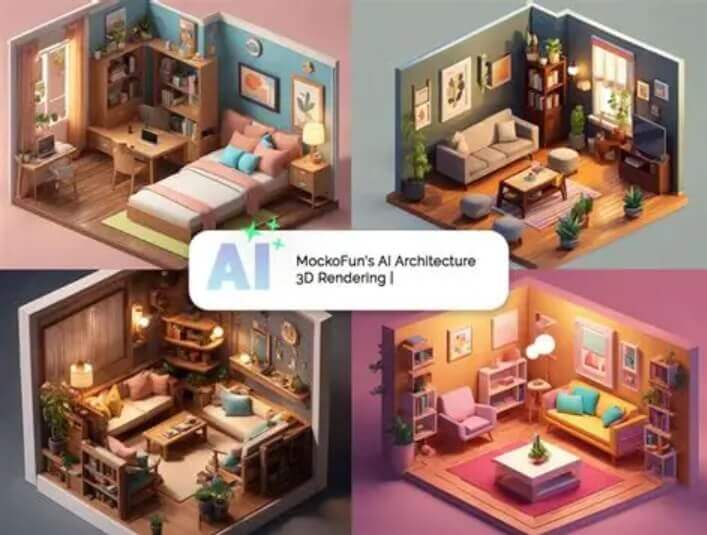
Pick from 10+ pro product scenes
Each scene is built with deep learning that rebuilds lighting, shadows and background around your product — while keeping the product itself pixel-perfect.
White Background
Clean white backdrop e-commerce shot with soft even light and a subtle shadow under the product.
Lifestyle Setting
The product placed in a real everyday scene with warm natural tones and shallow depth of field.
Studio Lighting
Professional studio photo with soft-box lighting, a smooth gradient backdrop and perfect reflections.
Outdoor Natural
Golden natural sunlight with fresh foliage and authentic outdoor shadows.
Minimalist Display
Clean minimal composition with lots of negative space and a calm muted color palette.
Luxury Setting
Marble podium with gold accents and dramatic premium lighting for a high-end feel.
Tech Product
Futuristic tech render on a sleek dark surface with glowing accent lighting.
Food Photography
Appetizing food scene with fresh ingredients, a wooden table and natural window light.
Fashion Display
Editorial fashion look with stylish fabric backgrounds and flattering studio light.
E-commerce Ready
Conversion-optimized marketplace image on a light grey backdrop — ready for Amazon, Shopify and more.
How to create product mockups with AI
Upload a product photo, pick a scene and download your studio-grade mockup in seconds. Free, no sign-up, unlimited use.
One-click scene generation
Upload any product photo and pick one of 10+ pro scenes — white background, lifestyle, studio lighting and more. The AI rebuilds the whole shot around your product right on this page.
Realistic light, shadows and background
Behind every scene, deep learning matches realistic lighting, shadows and reflections to your product while keeping its shape, colors and details intact — no photographer, no Photoshop, no photo studio needed.
-
1
Upload your product photo
Drag & drop or browse a JPG, PNG or WEBP photo of your product. It is processed securely and deleted right after.
-
2
Choose a scene & size
Tap a scene card — White Background, Lifestyle, Luxury, E-commerce Ready and more — and pick the output size you need.
-
3
Click Generate Mockup
The AI creates the studio product shot right on the page — usually within a minute.
-
4
Download your product mockup
Download the result in one click and use it on Shopify, Amazon, Instagram or your pitch deck — or try another scene on the same photo.
用戶真實評價
來自創作者、店主和設計師對該工具的真實使用體驗
“作為網店店主,以前每上一款新商品我都要花錢拍棚拍照。現在上傳一張普通照片就能得到背景乾淨、帶柔和陰影的棚拍效果圖,不用再付攝影費,商品頁終於看起來很專業。”
“做產品評測影片時,我現在會直接生成產品擺在生活場景裡的封面圖。不用每次額外佈景拍攝,出來的效果還跟頻道風格很搭。”
“我平時幫客戶拍產品圖,會先用這個工具把同一款產品放到幾種場景裡做預覽,確認方案後再實拍。光影順著產品輪廓走,效果意外地自然,幫我們省掉大量返工重拍。”
“我們做付費廣告時一次生成棚拍、戶外、高端等好幾種場景版本。以前測素材要好幾天,現在上午就能把每款產品出三個版本,效果好的那版點擊率明顯更高。”
“我幫朋友的小型周邊品牌做產品效果圖,用來在社群媒體上試款。簡單的T恤和杯子效果都很好,只有一兩款帶圖案的重新生成了一次,重點是免費就搞定了大部分工作。”
“新品發佈時如果所有產品都放在同一套視覺場景裡,貼文質感會強很多。我可以批次生成光線和背景一致的場景,帳號主頁終於顯得很有設計感了。”
“思路很不錯:上傳產品照片選個場景就行。普通的罐子、瓶子效果很棒,但反光或者造型複雜的物品有時會顯得生硬,個別背景也能看出是合成的,發文前我重新生成了好幾次。”
“我拿它來做給客戶彙報用的效果圖組合。一小時內就能把包裝、瓶身、盒子的不同方案放到匹配的場景裡展示,整個概念溝通都順暢了很多。”